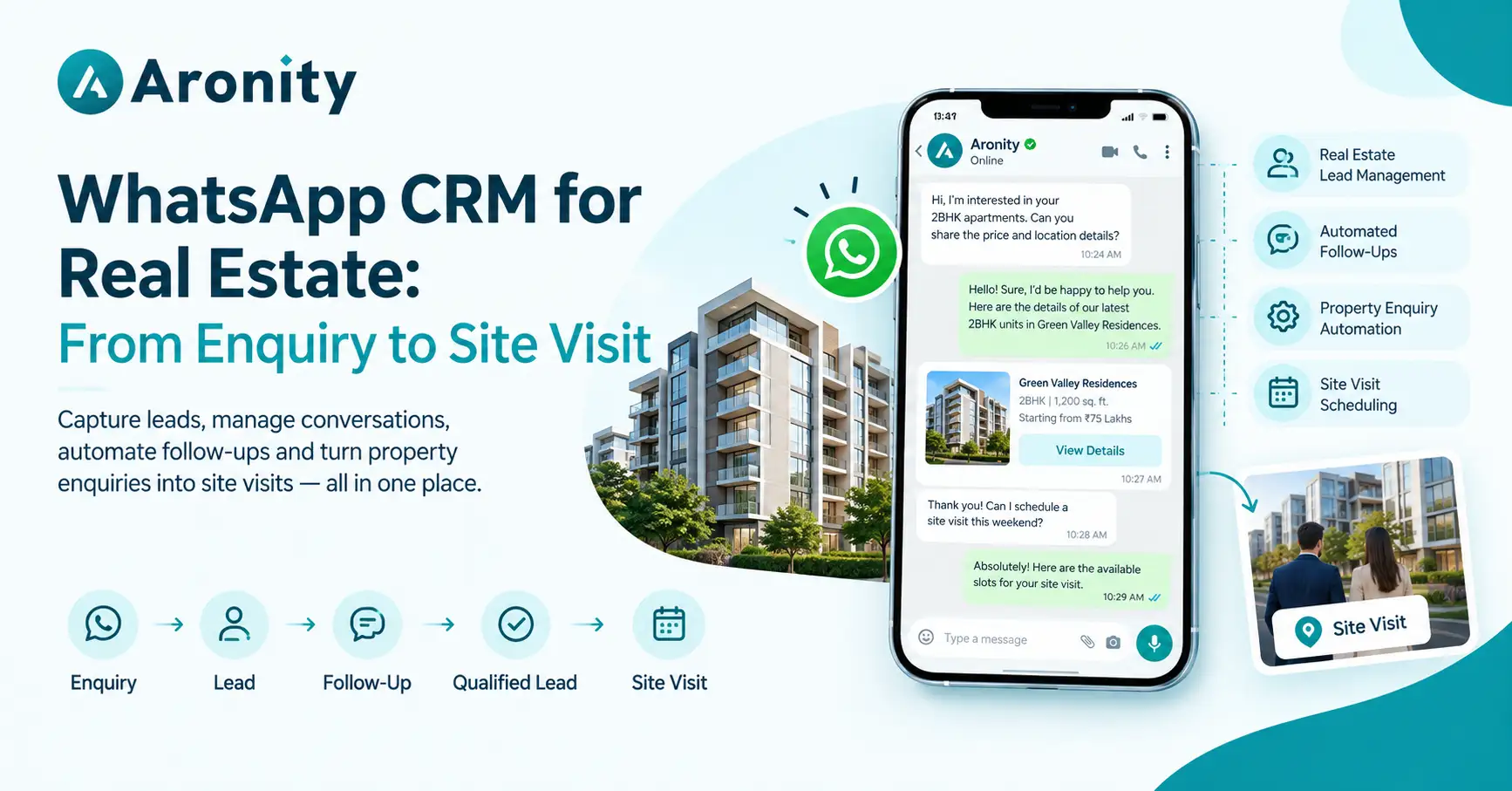
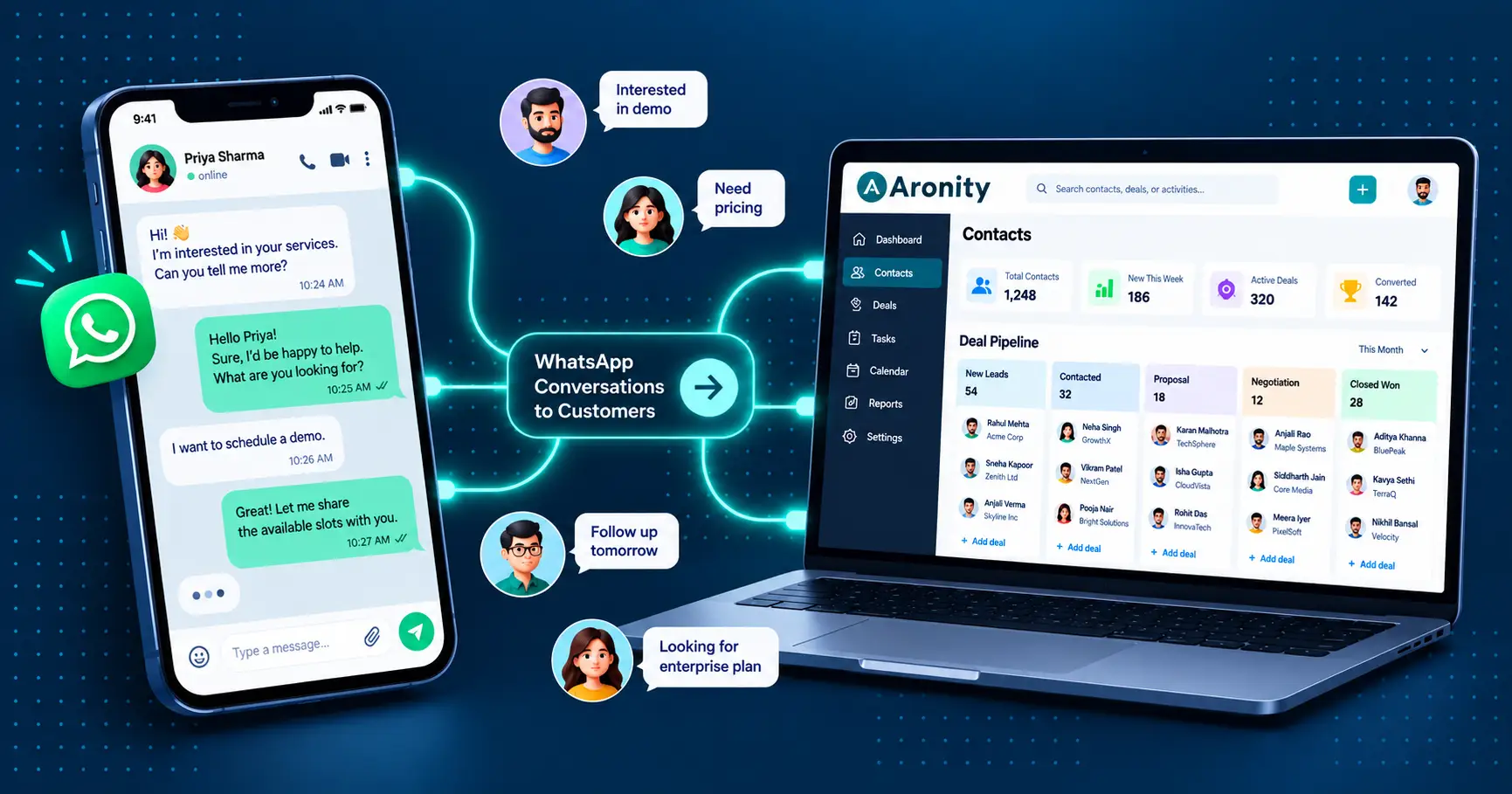
Your customers already talk to you on WhatsApp. They ask about prices, send their budget, confirm appointments and share payment screenshots — often on one person's phone. That works until the second salesperson joins, the first ad campaign lands fifty leads in a day, or a good lead waits until tomorrow for a reply and buys from someone else.
A WhatsApp CRM fixes that. It connects your WhatsApp Business number to a customer relationship management system, so every conversation, lead and follow-up lives in one place your whole team can see.
What is a WhatsApp CRM?
A WhatsApp CRM is CRM software built around WhatsApp as the main way you talk to customers. Instead of chats sitting on individual phones, messages arrive in a shared inbox tied to each customer's record — their details, the ad or form they came from, notes, follow-ups and history.
It usually connects through Meta's WhatsApp Business Platform (often called the WhatsApp Business API). That connection is what allows several people to reply from one number, automated messages to go out, and every message to be stored against the right lead.
WhatsApp Business app vs a WhatsApp CRM
The free WhatsApp Business app is a good start for a one-person shop. As a team grows, its limits show:
- One number, few devices. The app is built around a single phone and a handful of linked devices, not a sales team.
- No real lead management. Labels help, but there is no pipeline, no assignment and no record of who is following up.
- Everything is manual. Replies, reminders and follow-ups depend on someone remembering.
- Nothing to measure. You cannot see reply speed, lost leads or which ad brought which customer.
A WhatsApp CRM keeps what customers like about WhatsApp and adds the structure a sales team needs.
The features that matter
1. A shared inbox for the whole team
Everyone works from one WhatsApp number. Chats can be assigned, handed over and seen by a manager, and team members can be limited to the leads assigned to them.
2. Leads from every source in one list
Click-to-WhatsApp ads, WhatsApp forms, your website chat widget, a lead API and spreadsheet imports should all land in the same list, with the answers people gave and the ad or form they came from. Good software also finds duplicates and merges them instead of creating two records for one person.
3. Automated first replies and follow-ups
The first reply is where most leads are won or lost. Look for workflows that answer instantly, ask a qualifying question with quick-reply buttons, assign the lead, and remind your team — or the customer — at the right time.
4. Approved message templates
Outside the 24-hour window after a customer's last message, WhatsApp only allows pre-approved message templates. A good WhatsApp CRM lets you write templates, send them to Meta for approval and use them in campaigns and workflows without leaving the app.
5. Campaigns that respect the rules
Broadcasts to people who opted in — offers, reminders, announcements — with delivered, read and replied figures, and replies flowing back into the inbox.
6. A dashboard you trust
New leads, reply speed, stuck deals, team targets and WhatsApp health on one page, so you know how sales are going without asking.
How a WhatsApp CRM works day to day
Picture a lead who taps your Meta ad at 11 pm and asks about pricing:
- The message lands in the shared inbox and creates a lead with the ad it came from.
- A workflow replies within seconds and asks one question with two buttons — "Book a demo" or "Send details".
- The lead taps "Book a demo". The workflow assigns them to the next salesperson and books a follow-up call for the morning.
- At 10 am the salesperson opens the lead and sees the whole conversation, the answers and the ad — no "who is this?" moment.
Nobody had to remember anything, and the lead heard back in seconds instead of hours.
Who needs a WhatsApp CRM?
Any business where sales happen in conversation benefits — especially where leads arrive in bursts or several people talk to customers. Common examples are real estate, education, clinics, online stores, travel and service businesses.
The benefits, in plain terms
Faster replies, more conversions
When a workflow answers every new message in seconds, the lead hears from you while they are still interested — not after they have spoken to three competitors. Speed of first response is one of the few things in sales that is entirely in your control.
No more "who replied to this customer?"
Every conversation sits in one place with its owner, notes and history. A salesperson can go on leave, and anyone can pick the lead up where it was left.
Leads stay with the business
When chats live on personal phones, a salesperson who leaves takes the pipeline with them. In a CRM, the conversations and the customer records belong to the company account.
Follow-ups that happen on their own
Reminders, quote check-ins and payment nudges run on a schedule. Your team spends its time talking to interested people instead of remembering who to chase.
You finally know what works
Because each lead records the ad, form or page it came from, you can see which campaigns bring buyers — and stop paying for the ones that do not.
Common mistakes when switching
- Moving the number before you are ready. Connecting a number to the Business Platform moves it off the phone app. Plan the switch, tell your team, and have your first templates approved.
- Automating everything on day one. Start with two or three workflows — instant reply, qualification and quote follow-up — and add more once the team trusts them.
- Skipping opt-in. Only message people who agreed to hear from you. It keeps your number's quality high and your customers happy.
- Not importing old leads. Bring your spreadsheet in on day one so the team works from one list, not two.
How to choose one
- Does it connect through Meta's official WhatsApp Business Platform?
- Can your whole team work from one number, with roles and permissions?
- Does it capture leads from ads, forms, your website and an API?
- Can you automate replies and follow-ups without writing code?
- Can you create and submit message templates from inside the product?
- Is pricing clear, and is there a free trial?
Aronity was built to tick every one of these. You can see every feature, compare plans or start a 7-day free trial — no card needed.
Frequently asked questions
Do I need the WhatsApp Business API for a WhatsApp CRM?
Yes, in most cases. Team inboxes, automation and campaigns rely on Meta's WhatsApp Business Platform. A good CRM connects your number to it in a few guided steps.
Can I keep using my number?
Usually yes. The number moves from the WhatsApp or WhatsApp Business app to the Business Platform when you connect it, so use a number you are ready to run from the CRM.
Who pays for WhatsApp messages?
Meta charges for some template messages, billed to your own WhatsApp Business account and separate from your CRM plan. Check Meta's current pricing for your country.
- #WhatsApp CRM
- #WhatsApp shared inbox
- #CRM with WhatsApp integration
- #WhatsApp lead management