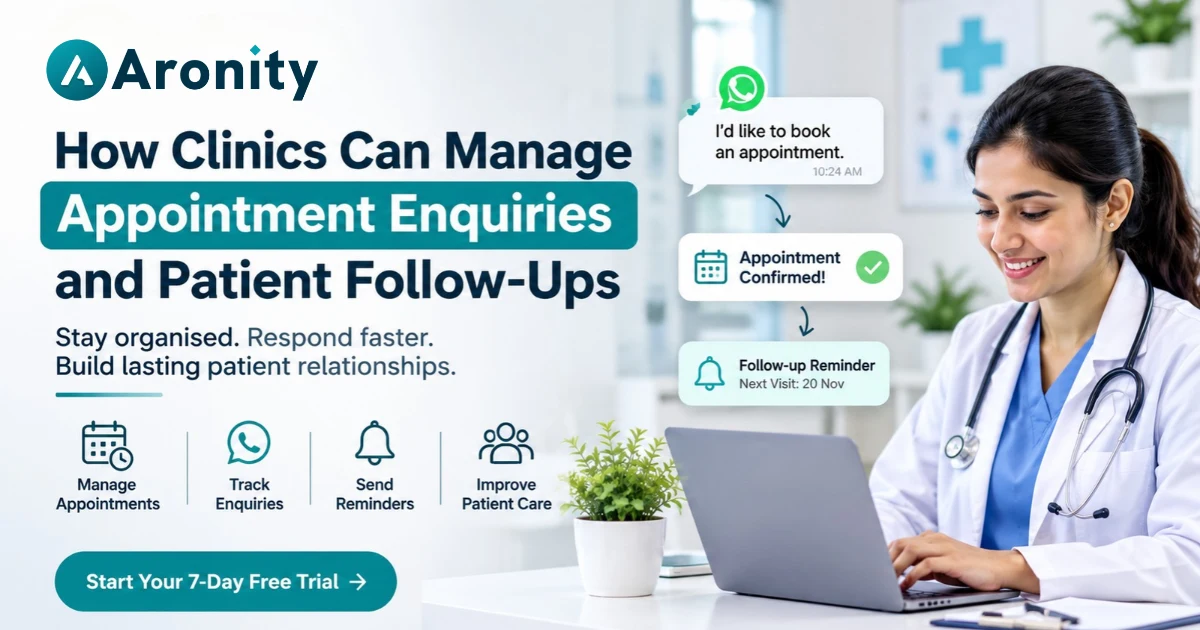
Managing patient appointments involves more than booking time slots. Clinics also need to respond to enquiries, confirm appointments, handle rescheduling requests, and follow up with patients regularly.
With an organised clinic appointment management system, healthcare providers can reduce communication gaps, manage patient enquiries efficiently, and create a smoother experience from the first enquiry to the next visit.
Why Appointment Enquiries and Patient Follow-Ups Matter
Patients often contact clinics through WhatsApp, phone calls, website forms, and social media to ask about consultations, treatments, fees, and available appointment slots.
When these enquiries are not managed properly, important messages can get missed. Patients may not receive timely responses or may book appointments elsewhere.
Common challenges clinics face include:
-
Missing appointment enquiries during busy hours.
-
Delayed responses to patients asking about consultation availability.
-
Forgetting to confirm booked appointments.
-
Losing track of patients who need follow-up consultations.
-
Difficulty managing conversations across multiple communication channels.
-
Lack of visibility into pending enquiries and appointment requests.
A structured appointment management process helps clinics keep communication organised while allowing reception teams to focus on patients.
1. Centralise Patient Appointment Enquiries
The first step towards better appointment management for clinics is bringing patient enquiries into one organised system.
Instead of checking multiple WhatsApp chats, phone records, and social media inboxes separately, clinics should maintain a central place to track incoming enquiries.
A centralised system helps reception staff:
-
View new patient enquiries in one place.
-
Identify patients waiting for a response.
-
Keep track of consultation requests.
-
Record basic enquiry details.
-
Assign conversations to the appropriate staff member.
For example, when someone sends a WhatsApp message asking about a dermatologist's availability, the enquiry should be recorded instead of remaining buried in a long chat history.
This makes it easier for the clinic to respond promptly and avoid overlooking potential appointments.
2. Organise Clinic Appointment Scheduling
Effective clinic appointment scheduling requires a clear process for handling new bookings, confirmations, cancellations, and rescheduling requests.
Without a consistent process, reception staff may struggle to track which patients have confirmed their visits and which requests are still pending.
Clinics can create a simple appointment workflow with the following stages:
-
New Enquiry: A patient contacts the clinic to ask about an appointment.
-
Information Shared: Staff provide consultation details, availability, and relevant instructions.
-
Appointment Requested: The patient selects a suitable date and time.
-
Confirmation Pending: Staff verify the appointment details.
-
Confirmed: The booking is finalised and communicated to the patient.
-
Completed: The patient attends the consultation.
-
Follow-Up Required: The clinic contacts the patient if another visit is needed.
Maintaining these stages helps staff understand what action is required for each patient.
It is also important to remember that a CRM can organise appointment enquiries and communication, but actual slot availability should be managed through a reliable scheduling system or integrated calendar.
3. Improve Patient Communication Management Through WhatsApp
WhatsApp has become a convenient communication channel for many patients. They use it to enquire about consultation fees, doctor availability, clinic timings, and appointment procedures.
However, managing a high volume of individual chats can become difficult for clinic reception teams.
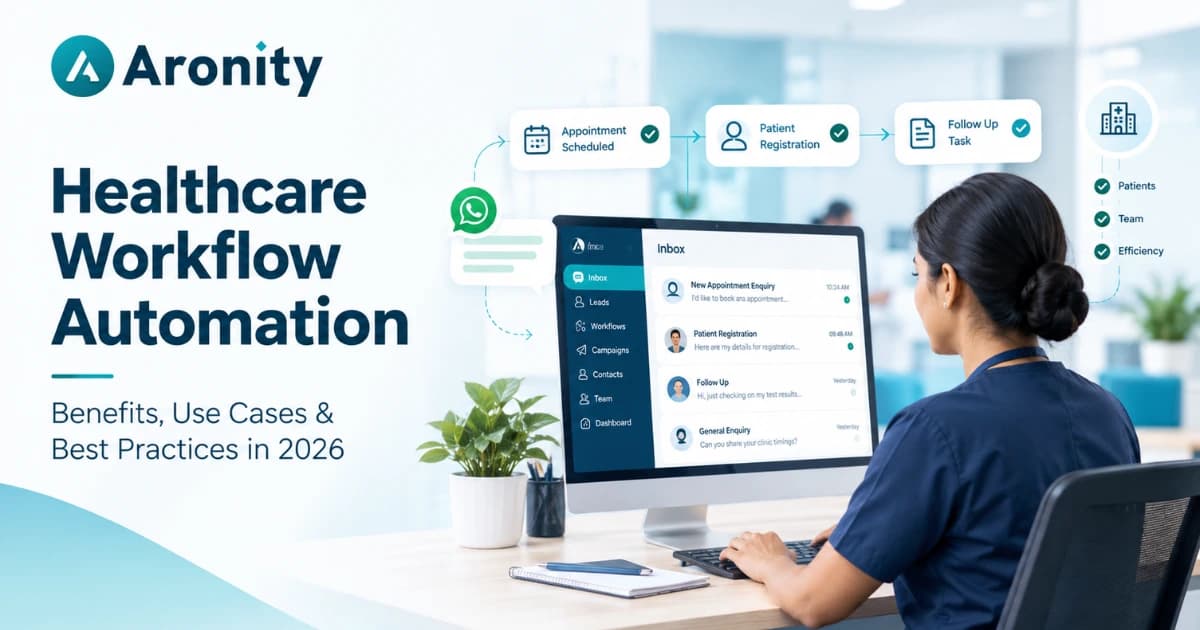
A WhatsApp CRM can help organise patient communication management by bringing conversations and follow-ups into a shared workspace.
Useful capabilities include:
-
Shared inbox: Allow authorised team members to manage patient conversations.
-
Conversation assignment: Assign enquiries to the relevant receptionist or department.
-
Quick replies: Use prepared responses for common questions about timings, location, and appointment procedures.
-
Conversation history: Review previous interactions before responding.
-
Enquiry tracking: Identify new, pending, and resolved conversations.
Aronity helps businesses manage WhatsApp leads, conversations, campaigns, and follow-ups in one place. For clinics, this type of organised communication workflow can make it easier for teams to handle appointment enquiries without depending entirely on individual WhatsApp accounts.
Explore Aronity healthcare CRM solutions to understand how WhatsApp-based communication management can support healthcare businesses.
4. Create a Consistent Clinic Patient Follow-Up Process
Patient communication should not stop once an appointment is booked. Clinics may also need to contact patients before and after consultations.
A consistent clinic patient follow-up process helps patients stay informed and reduces the chances of important communication being overlooked.
Clinics can organise follow-ups into three categories:
Before the appointment
-
Send appointment confirmation messages.
-
Share the clinic address and consultation instructions.
-
Send reminders at an appropriate time.
-
Ask patients to inform the clinic if they need to reschedule.
After the appointment
-
Share relevant follow-up instructions approved by the healthcare professional.
-
Check whether the patient needs another consultation.
-
Help patients understand how to schedule their next visit.
For pending enquiries
-
Contact patients who requested appointment details but did not confirm.
-
Follow up with patients who asked for consultation information.
-
Check whether they still need assistance with booking.
All follow-up communication should respect patient preferences and applicable privacy requirements. Medical advice and treatment-related instructions should come from qualified healthcare professionals.
5. Use CRM Automation to Reduce Manual Work
Reception teams often handle repetitive tasks, such as answering common questions, updating enquiry statuses, and reminding staff about pending conversations.
CRM automation can help reduce some of this manual workload.
For example, clinics can use automation to:
-
Send an initial acknowledgement when a patient submits an enquiry.
-
Assign new conversations to the appropriate team member.
-
Create follow-up reminders for unanswered enquiries.
-
Send approved appointment-related messages.
-
Notify staff when a conversation needs attention.
Consider a clinic receiving WhatsApp enquiries throughout the day. Instead of manually checking every conversation, the team can use organised workflows and reminders to identify which enquiries still require a response.
Aronity provides a WhatsApp CRM environment where businesses can organise leads, conversations, campaigns, and follow-ups. Clinics exploring better enquiry management can consider whether these features fit their existing reception and communication processes.
6. Track Enquiries and Improve the Appointment Management Process
Managing enquiries is only one part of the process. Clinics should also review how effectively their communication and appointment workflows are performing.
A CRM can help managers monitor useful operational indicators, such as:
-
Number of new appointment enquiries.
-
Pending conversations requiring responses.
-
Enquiries converted into confirmed bookings.
-
Follow-ups completed by the reception team.
-
Common reasons patients do not proceed with bookings.
-
Enquiries handled by different team members.
Reviewing these details can help clinic managers identify communication gaps and improve daily operations.
For example, if many patients enquire about a particular doctor's availability but do not confirm appointments, the clinic can review how availability information is shared and whether patients receive timely responses.
Remember to limit access to patient information and use appropriate safeguards when reviewing communication records.
A Practical Example: How a Clinic Can Manage WhatsApp Enquiries
Imagine a dental clinic receiving appointment enquiries through WhatsApp.
A patient messages the clinic asking about teeth cleaning availability. The receptionist shares the consultation details and available slots.
The patient requests an appointment but does not immediately confirm.
With an organised CRM workflow, the receptionist can:
-
Record the patient's enquiry.
-
Mark the conversation as an appointment request.
-
Assign it to the appropriate staff member.
-
Set a reminder to follow up.
-
Update the status once the patient confirms.
-
Record whether another visit is required after consultation.
This simple process helps the clinic maintain continuity in communication and reduces dependence on manually remembering every pending conversation.
Frequently Asked Questions
1. What is clinic appointment management?
Clinic appointment management involves organising patient enquiries, booking requests, confirmations, cancellations, rescheduling, and follow-ups to ensure a smoother appointment process.
2. How can clinics manage patient appointment enquiries on WhatsApp?
Clinics can use a WhatsApp CRM to centralise conversations, assign enquiries to staff, track pending requests, and organise follow-up reminders.
3. How does a CRM help with patient follow-ups?
A CRM helps reception teams maintain conversation history, create reminders, assign follow-up tasks, and track which patient enquiries still require attention.
4. Can a WhatsApp CRM replace clinic appointment scheduling software?
Not necessarily. A WhatsApp CRM mainly helps manage enquiries and communication. Clinics may still need dedicated scheduling software or calendar integrations to manage appointment slots, doctor availability, and bookings.
Conclusion
Efficient appointment management for clinics starts with organised communication. From handling new patient enquiries to confirming appointments and managing follow-ups, every step needs a clear process.
A WhatsApp CRM can help clinics centralise conversations, organise enquiries, and reduce manual follow-up work while supporting a more consistent patient communication experience.
If your clinic wants to improve how it manages WhatsApp enquiries and patient conversations, explore Aronity. Start your 7-day free trial or book a demo to see how a structured CRM workflow can support your clinic's communication needs.
You can also create your Aronity account to get started.
- #clinic appointment management
- #patient appointment enquiries
- #clinic patient follow-up
- #appointment management for cli
- #patient communication manageme
- #clinic appointment scheduling